Demo and getting started
Viridia in thirty seconds
Photograph a plant, understand what it has, know what to do this week. The rest of this page shows you how, screen by screen.
No credit card · 1 free garden · Web and mobile
Three gestures, and that's it
This is what you'll do most often. The rest of the app reveals itself as you garden.
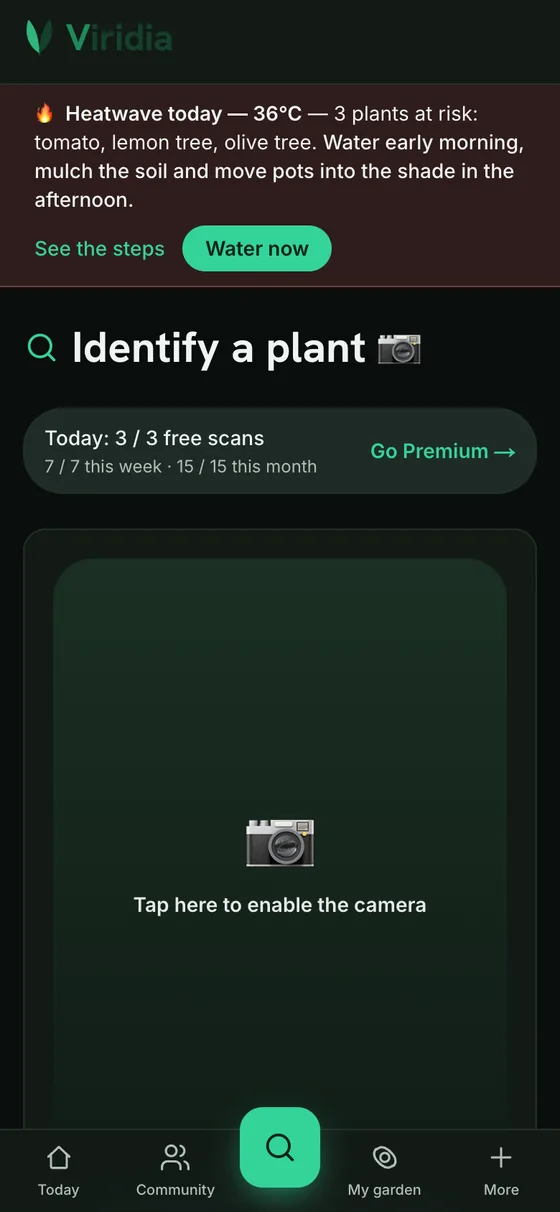
Identify any plant
Snap a photo of a plant: the AI tells you its species, its condition and how to care for it. Film your whole garden and Viridia builds the inventory by itself.
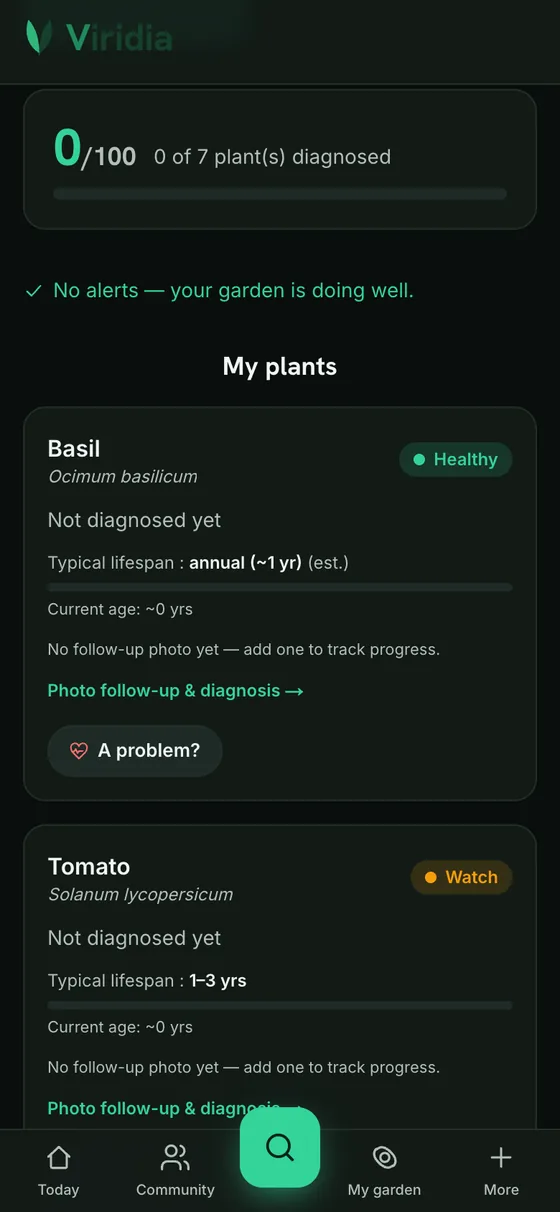
A doctor for your plants
A yellowing leaf, suspicious spots? The health diagnosis spots the problem, suggests a treatment and tracks recovery over time.
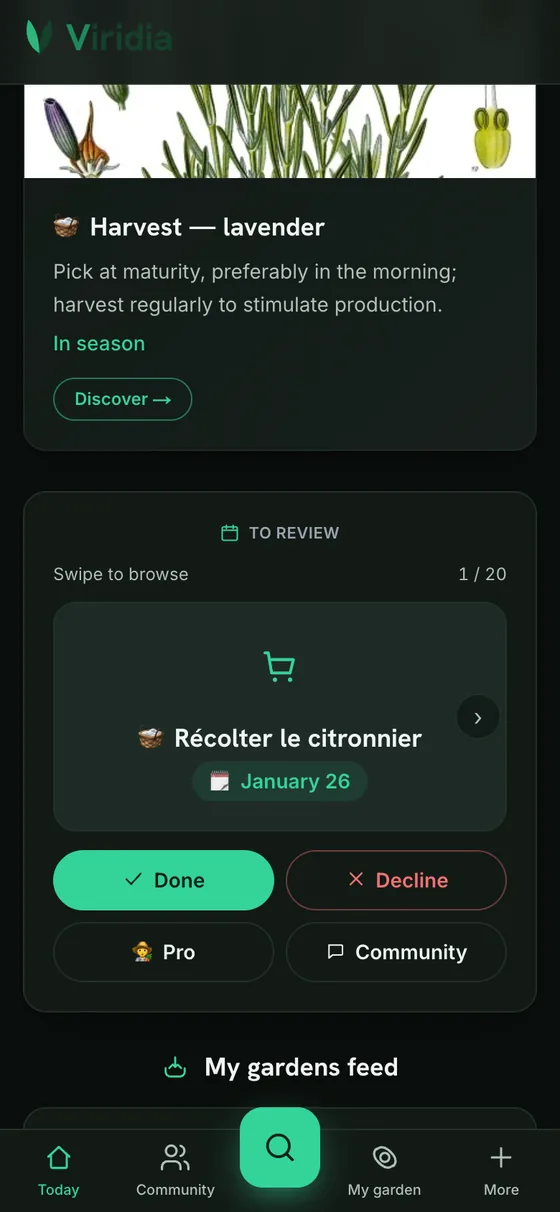
An agenda that thinks of everything
Watering based on real weather, pruning at the right moment, harvests you shouldn't miss: the right moves at the right time, with reminders.
A real preview of Viridia — every screen shown exists in the app.
Getting started, screen by screen
Five steps to go from signing up to your first plant tracked. Free account, no card required.
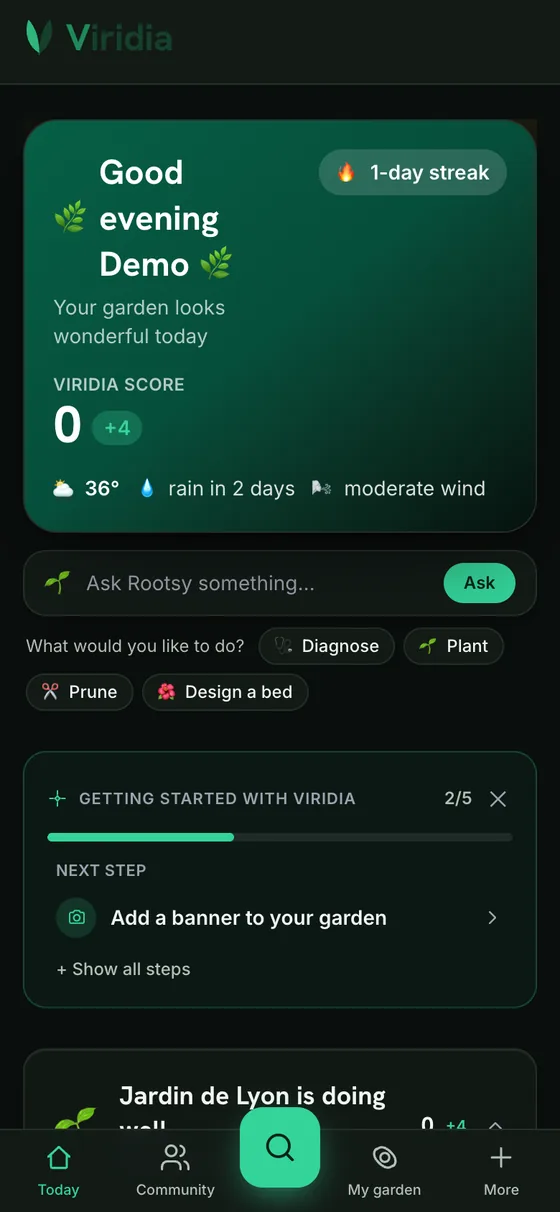 1Step 1
Create your garden
An email is all it takes. Your garden is where your plants, your photos and your calendar will live — you can rename it and place it on the map later.
- 2Step 2
Photograph your first plant
Frame the whole plant, then a leaf close up. Viridia suggests the species and its profile: you confirm, and it joins your garden.
- 3Step 3
Read its diagnosis
A spotted leaf, a yellowing? Photograph the area: the diagnosis names the problem, suggests a treatment and keeps track of the recovery.
 4Step 4
Sort and tell your garden
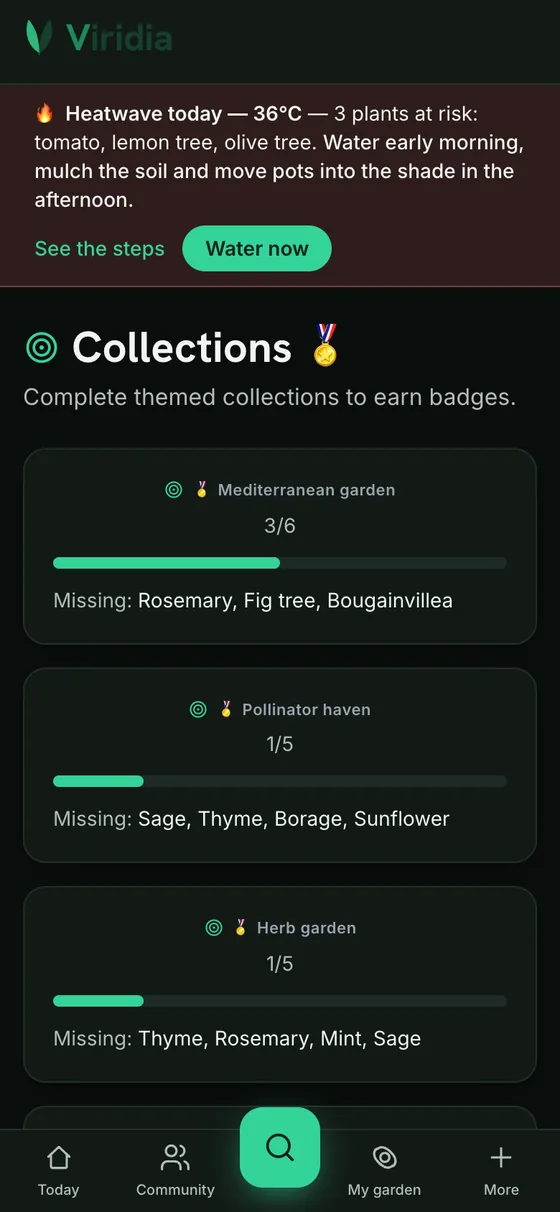
Group your plants by bed, by room or by mood. Every garden has its public showcase — you decide whether you share it.
- 5Step 5
Let the calendar tell you what to do
Watering based on the real weather where you live, pruning at the right time, frost alerts: you open the app, you see this week's jobs.
Once you've found your feet
Explore the living world around you
The Living Map shows you in real time what's blooming and being harvested near you and all over the world — every pin is a real gardener.
Tell your garden's story on video
The Studio turns your photos into reels ready to share: music, editing and captions, all automatic. Enough to make your feed jealous.
A community of gardeners
Follow the gardens that inspire you, chat with gardeners nearby, give away your cuttings: gardening becomes a neighbourhood story again.
Viridia in your pocket
Scan your plants, follow your garden, and get the right reminder at the right time.


See Viridia in thirty seconds
Scan this code, or go to viridia.pro. The free plan lets you try identification and diagnosis before you even create your garden.
https://viridia.pro/demo
The questions we get asked
What happens when my free credits run out?
Nothing bad: your garden, sheets, calendar, community and Studio keep going without limits. Only the advanced AI tools wait for Viridia Premium.
Where do my data and photos go?
To us, in Europe, and nowhere else. Never sold, never used for ads. Full export and permanent deletion available anytime.
Is it available on mobile?
The web already works on your phone. The iOS and Android apps are coming — leave your email below to hear about it on day one.
No credit card · 1 free garden · Web and mobile